학습 목표: 왜 2026년에도 Playwright인가?
2026년 현재, 웹 생태계는 더욱 복잡해진 서버 사이드 렌더링(SSR)과 고도화된 클라이언트 사이드 렌더링(CSR) 기술이 혼재되어 있습니다. 과거의 BeautifulSoup이나 단순한 Selenium만으로는 자바스크립트가 실행된 후 나타나는 동적 데이터를 수집하는 데 한계가 명확합니다. 이번 강의의 목표는 가장 강력한 브라우저 자동화 도구인 Playwright를 활용하여, 단 10분 만에 복잡한 동적 웹페이지의 데이터를 안정적으로 추출하는 실무 프로세스를 습득하는 것입니다. 단순한 데이터 수집을 넘어, 차단 방지 기술과 비동기 처리 기법을 포함한 실전 코드를 완성하게 됩니다.
사전 준비 사항
본 실습을 원활하게 진행하기 위해 아래의 개발 환경을 갖추어 주시기 바랍니다. 2026년 표준 개발 환경을 기준으로 설정되었습니다.
- 운영체제(OS): Windows 11, macOS Sequoia 이상, 또는 Linux (Ubuntu 24.04 LTS 권장)
- 편집기: Visual Studio Code (VS Code) 최신 버전
- 언어 환경: Python 3.11 버전 이상 (비동기 처리를 위해 필수)
- 필수 라이브러리 설치: 아래 명령어를 터미널에 입력하여 필요한 패키지를 설치합니다.
# 라이브러리 설치
pip install playwright
pip install pandas

# 브라우저 바이너리 설치 (Chromium, Firefox, WebKit)
playwright install
단계별 실습 과정
1단계: 비동기 Playwright 기본 구조 설계
Playwright는 기본적으로 비동기(Async) 처리를 지원합니다. 이는 대량의 데이터를 수집할 때 속도를 극대화할 수 있는 핵심 요소입니다. 먼저 브라우저를 실행하고 페이지를 여는 기본 골격 코드를 작성해 보겠습니다.
import asyncio
from playwright.async_api import async_playwright

async def run_crawler():
    async with async_playwright() as p:
        # 브라우저 실행 (headless=False로 설정하면 브라우저가 뜨는 것을 볼 수 있습니다)
        browser = await p.chromium.launch(headless=False)
        context = await browser.new_context(
            user_agent="Mozilla/5.0 (Windows NT 10.0; Win64; x64) AppleWebKit/537.36 (KHTML, like Gecko) Chrome/120.0.0.0 Safari/537.36"
        )
        page = await context.new_page()

        # 대상 URL 접속
        await page.goto("https://example.com/dynamic-data")

        # 페이지 로딩 대기
        await page.wait_for_load_state("networkidle")

        print("페이지 접속 성공!")
        await browser.close()

asyncio.run(run_crawler())
2단계: 동적 요소 핸들링과 무한 스크롤 처리
최근의 웹페이지는 스크롤을 내려야 데이터가 로드되는 ‘무한 스크롤’ 방식이 일반적입니다. Playwright의 evaluate 함수를 사용하여 자바스크립트를 직접 실행하거나, 키보드 이벤트를 통해 하단까지 스크롤하는 로직을 추가합니다.
# 스크롤 다운 함수 예시
async def scroll_to_bottom(page):
    prev_height = -1
    while True:
        current_height = await page.evaluate("document.body.scrollHeight")
        if prev_height == current_height:
            break
        prev_height = current_height
        await page.mouse.wheel(0, 1000)
        await asyncio.sleep(1.5)  # 데이터 로딩 대기 시간
3단계: 데이터 추출 및 CSS 선택자 활용
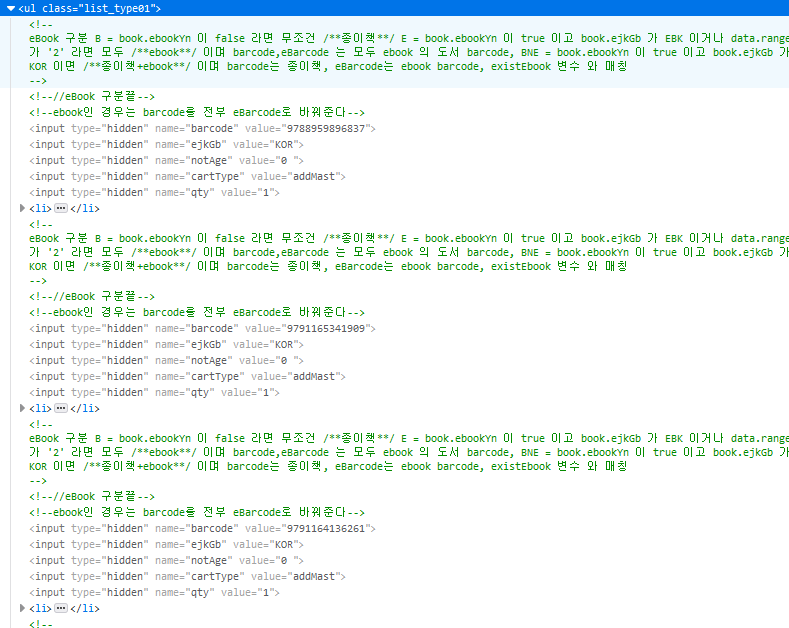
Playwright의 locator API는 매우 강력합니다. 텍스트, CSS 선택자, XPath를 자유롭게 혼용할 수 있으며, 요소가 나타날 때까지 자동으로 대기(Auto-waiting)하는 기능이 내장되어 있습니다. 상품명과 가격 데이터를 추출하는 실전 코드를 작성합니다.
async def extract_data(page):
    # 특정 요소들이 나타날 때까지 대기
    await page.wait_for_selector(".product-card")

    products = await page.locator(".product-card").all()
    data_list = []

    for product in products:
        name = await product.locator(".title").inner_text()
        price = await product.locator(".price-value").inner_text()
        link = await product.locator("a").get_attribute("href")

        data_list.append({
            "name": name.strip(),
            "price": price.replace(",", "").strip(),
            "link": f"https://example.com{link}"
        })

    return data_list
4단계: 데이터 저장 및 예외 처리
수집된 데이터를 CSV 파일로 저장하여 분석 가능한 형태로 만듭니다. 이 과정에서 발생할 수 있는 타임아웃이나 차단 이슈를 방지하기 위해 try-except 구문을 적용하는 것이 실무의 핵심입니다.
import pandas as pd

async def main():
    async with async_playwright() as p:
        try:
            browser = await p.chromium.launch(headless=True)
            page = await browser.new_page()
            await page.goto("https://example.com/products", timeout=60000)

            # 동적 로딩 처리
            await scroll_to_bottom(page)

            # 데이터 추출
            results = await extract_data(page)

            # Pandas를 이용한 저장
            df = pd.DataFrame(results)
            df.to_csv("crawling_results_2026.csv", index=False, encoding="utf-8-sig")
            print(f"총 {len(results)}개의 데이터를 성공적으로 저장했습니다.")

        except Exception as e:
            print(f"오류 발생: {e}")
        finally:
            await browser.close()

asyncio.run(main())
결과 확인
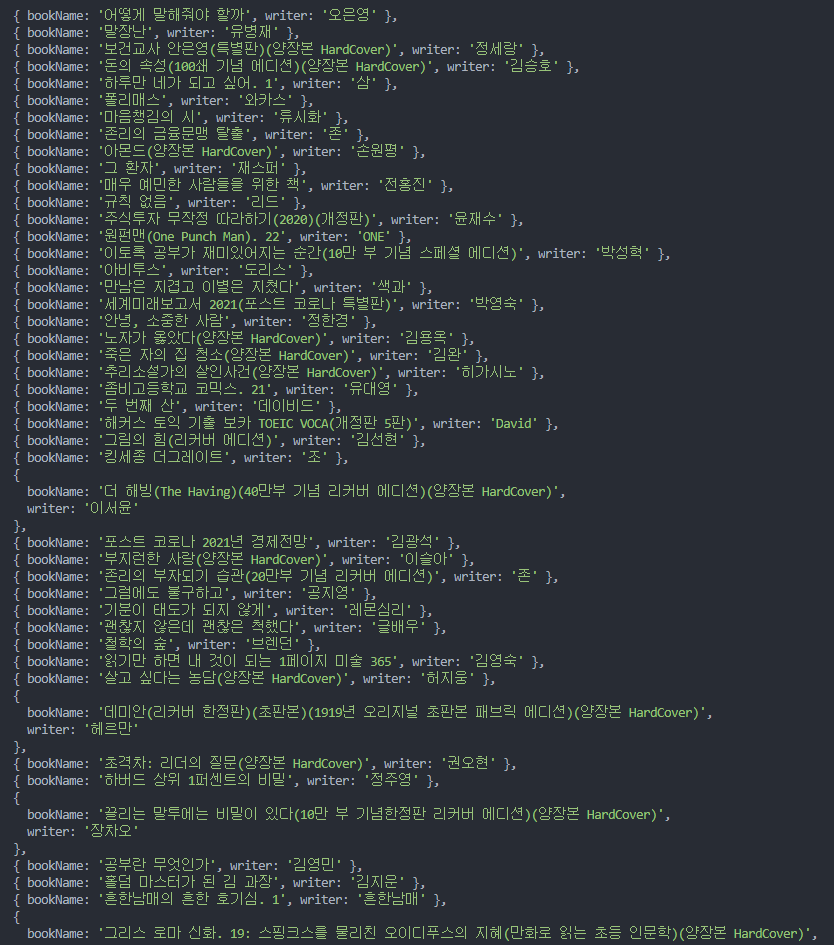
코드를 실행하면 터미널에 수집된 데이터의 개수가 출력되며, 프로젝트 폴더 내에 crawling_results_2026.csv 파일이 생성됩니다. 엑셀이나 VS Code의 CSV 뷰어로 확인해 보면, 자바스크립트로 생성되었던 동적 데이터들이 완벽하게 텍스트 형태로 정제되어 있는 것을 볼 수 있습니다.
마치며: 2026년 크롤링의 핵심 팁
오늘 배운 Playwright 실무 기법에서 가장 중요한 것은 ‘기다림의 미학’입니다. wait_for_selector와 wait_for_load_state를 적재적소에 배치하여 브라우저와 서버의 통신 속도 차이를 극복하는 것이 안정적인 크롤러의 핵심입니다. 또한, 2026년의 강화된 봇 탐지 시스템을 피하기 위해 user_agent 설정과 적절한 sleep 타임을 주는 것을 잊지 마십시오. 이제 여러분은 어떤 복잡한 동적 웹사이트라도 자유자재로 요리할 수 있는 기술적 토대를 마련했습니다.